
Ad Moop

YouTube · @admoop

Small channel, big cities.

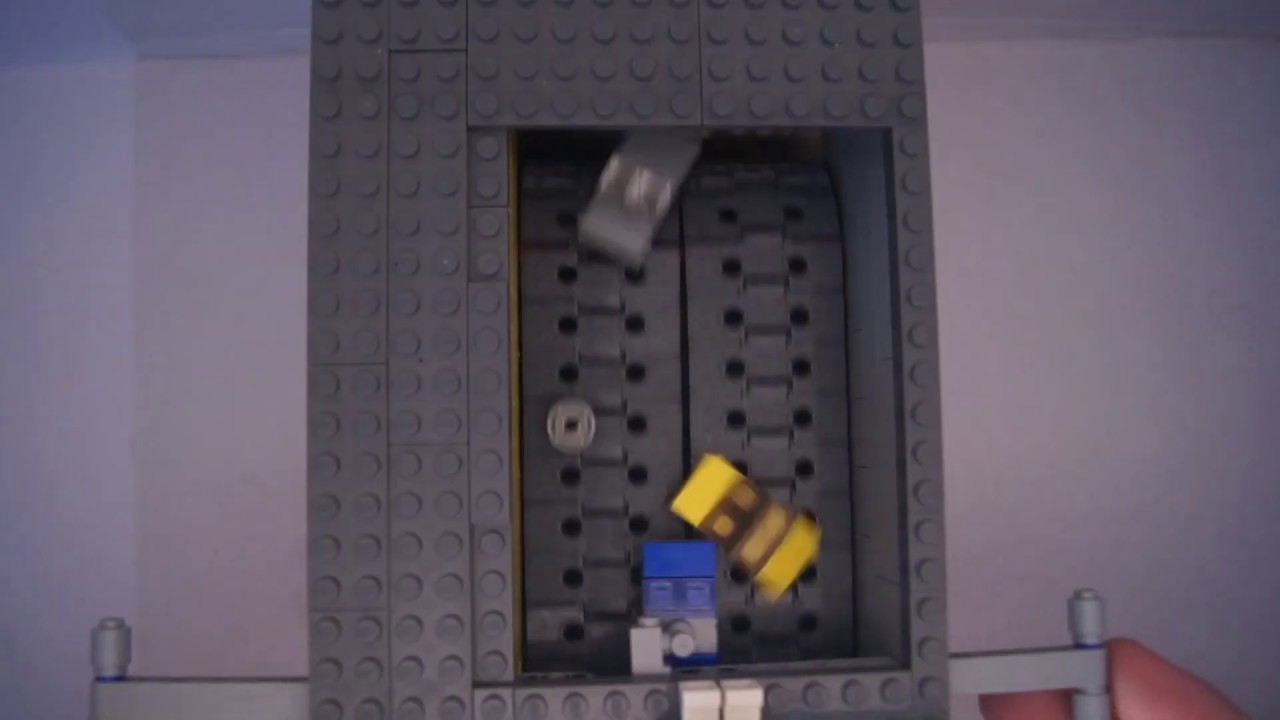
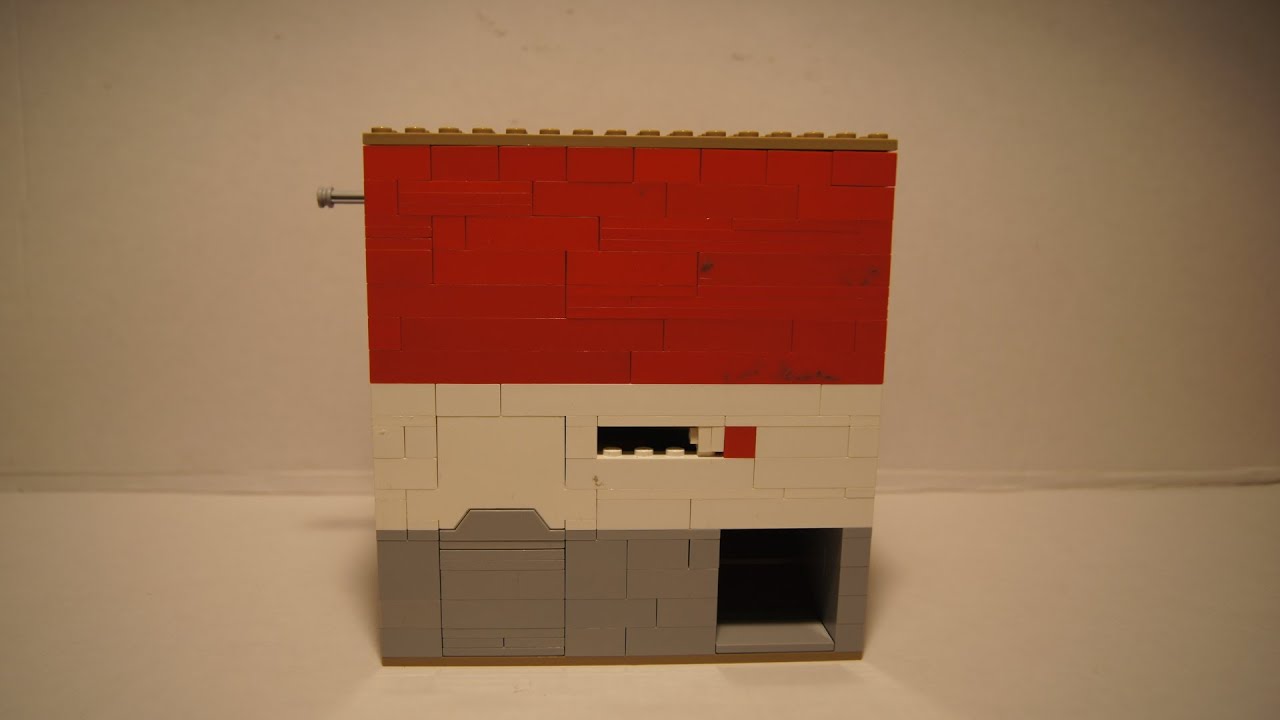
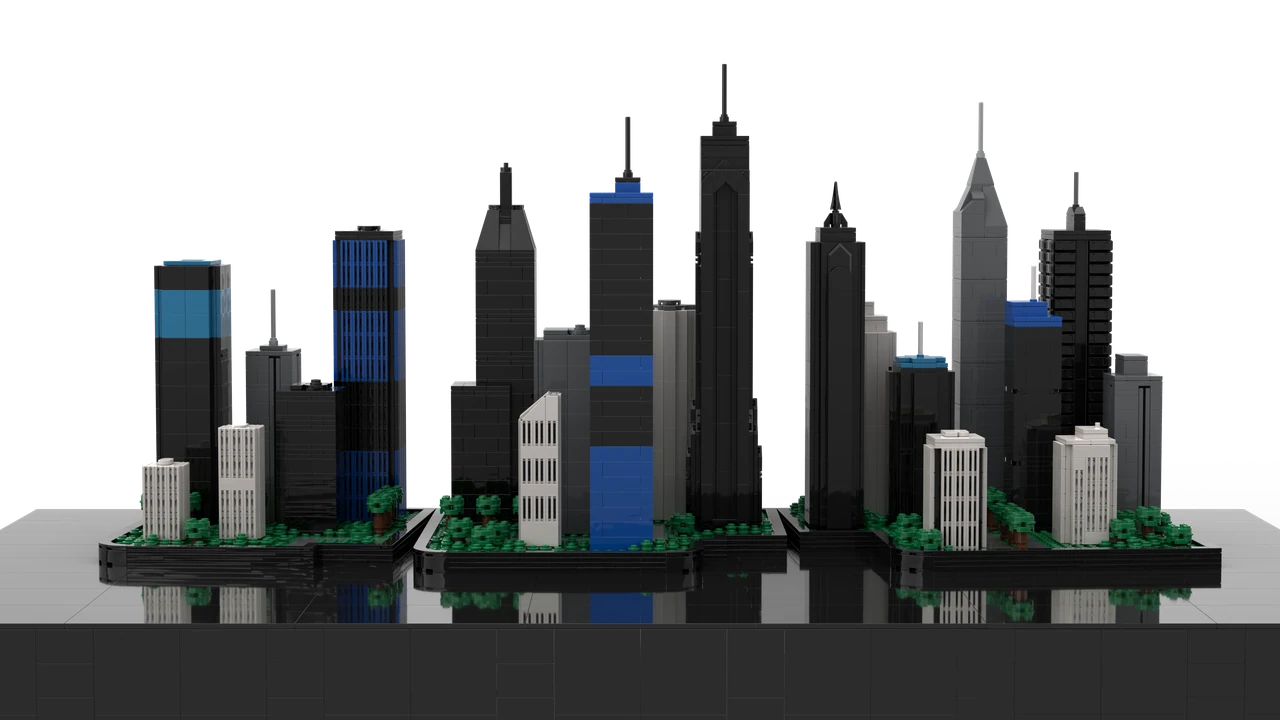
Lego machines, a city built one minute at a time, and a few videos that took off on their own.

Latest upload1.5K viewsAug 5, 2024
Ad Moop @admoop · 452 subscribers Subscribe

452

subscribers

242.1K

views across the channel

91

uploads

50

days in a row, one city episode each

Most watched

The hits nobody planned.

Even a small channel can generate big numbers.

Cities Skylines 1 & 2 - Announcement Trailer Comparison 87.9K views · Mar 8, 2023 The Cities: Skylines II announcement trailer next to the original, shot for shot.

The channel so far

From Lego to cities.

2014

I started a channel and uploaded a few private test videos.

2018

First public video was New House, then Návrat with its trailer.

2019

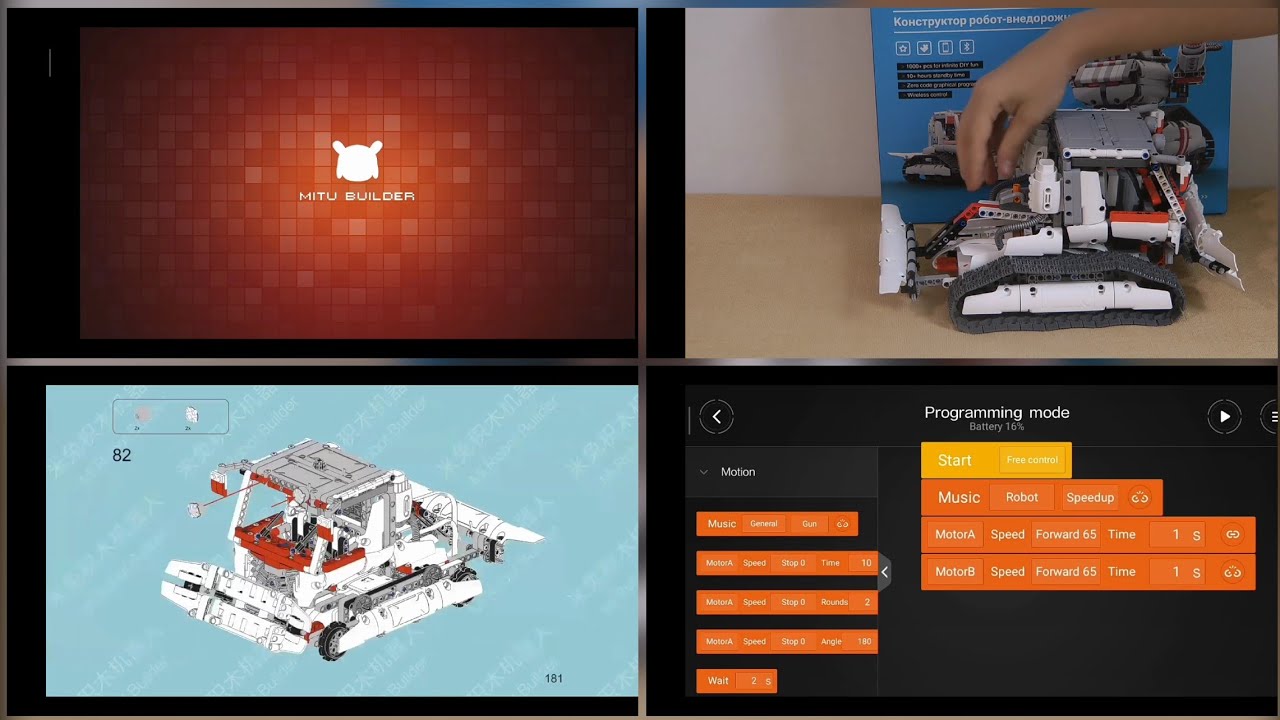
Lego at home: a heist film, an airline safety song, Xiaomi MITU builds.

2020

Lego machines (a pinball, a clock, a maze) and Satellite, an animated short.

2023

Cities: Skylines 1 vs 2, trailer by trailer. Then Building City, every day for fifty days.

2024

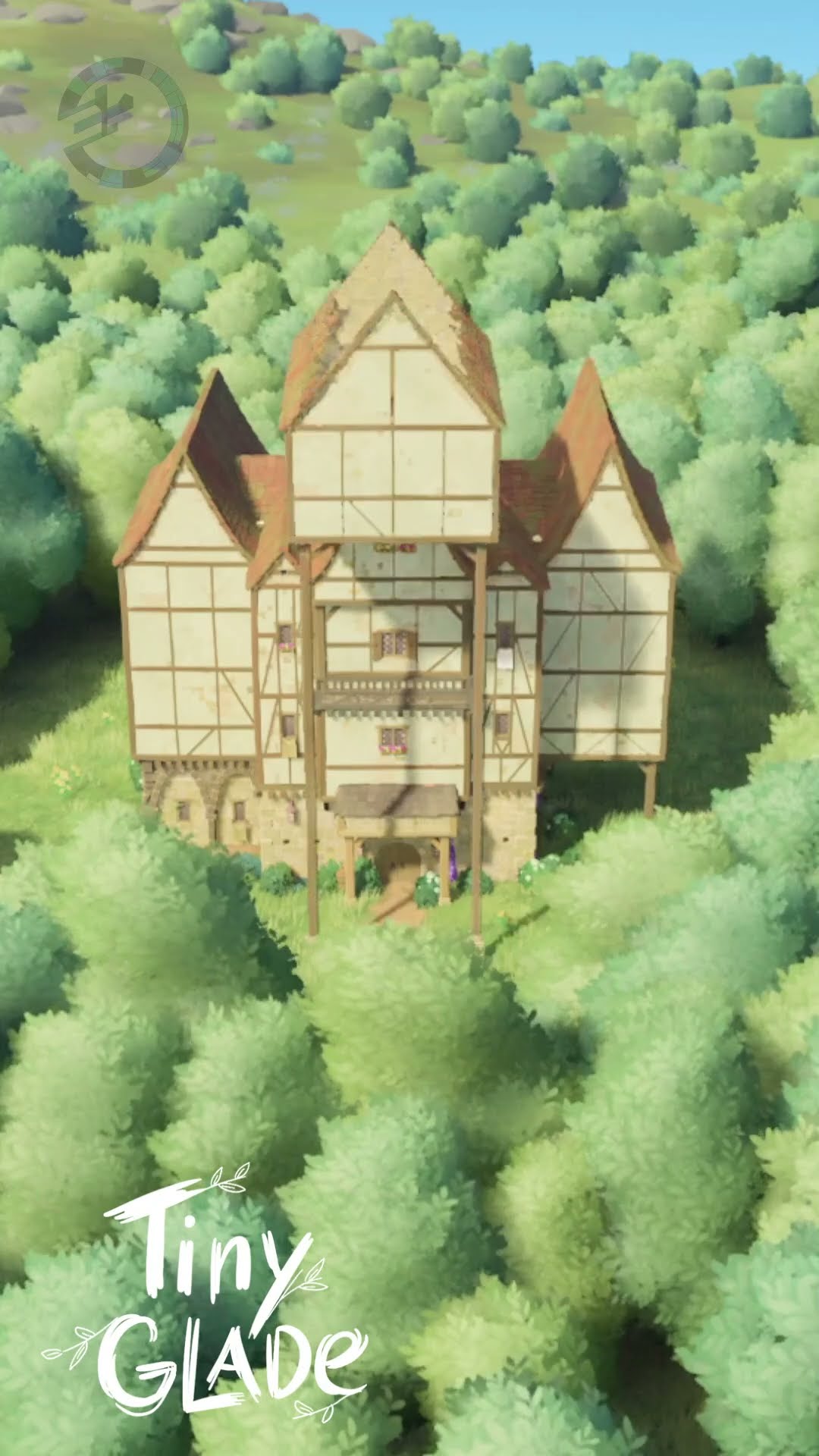
The Polar Express route, a Satisfactory train station, Tiny Glade houses.

2025

Shorter builds and songs.
Text2Band · Android app

Your notes, on your wrist.

Text2Band sends any text to your Mi Band or smartwatch: a shopping list, a gate code, the cheat sheet for your talk. Type it, tap Send, glance at your wrist.
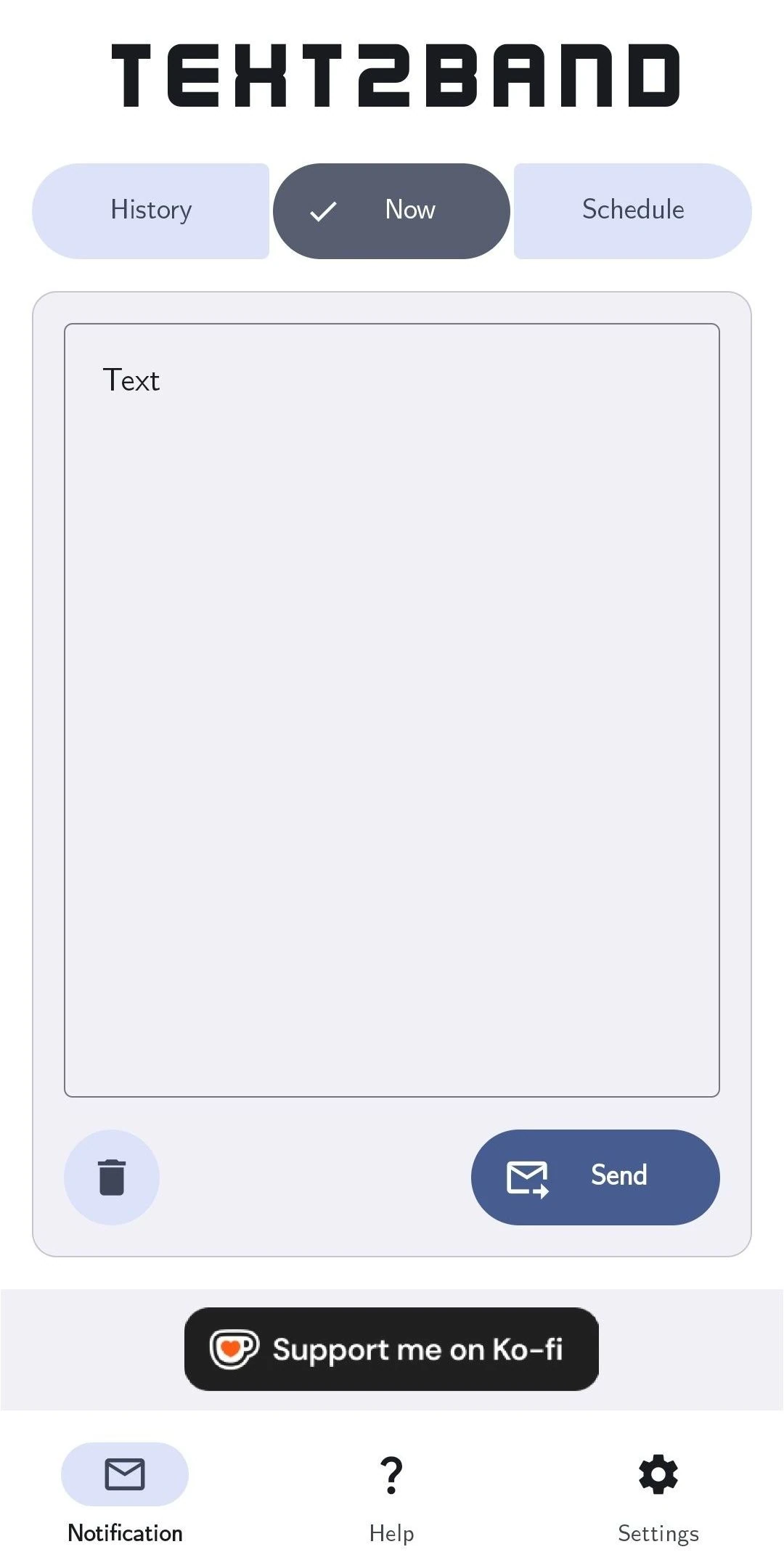
Text2Band 2.0 on the Now tab: the History, Now and Schedule tabs, an empty text field, a Send button and the bottom bar with Notification, Help and Settings.

50,000+

installs since 2022

4.8★

average from 166 reviews on Google Play

0

ads, accounts or collected data

API 36

ready for Android 16, updated since 2022

Setup

Three steps to your wrist.

Text2Band reaches the band through your phone’s notifications, so the band app has to let them through. The guide in the app shows exactly where to tap.

Ready 3 of 3

  • Install Text2Band from Google Play
  • Allow its notifications in Mi Fitness or Zepp Life
  • Type a note and tap Send

Four years of updates

From a grey text box to 2.0.

Updated for every new Android since 2022, and rebuilt from scratch along the way.
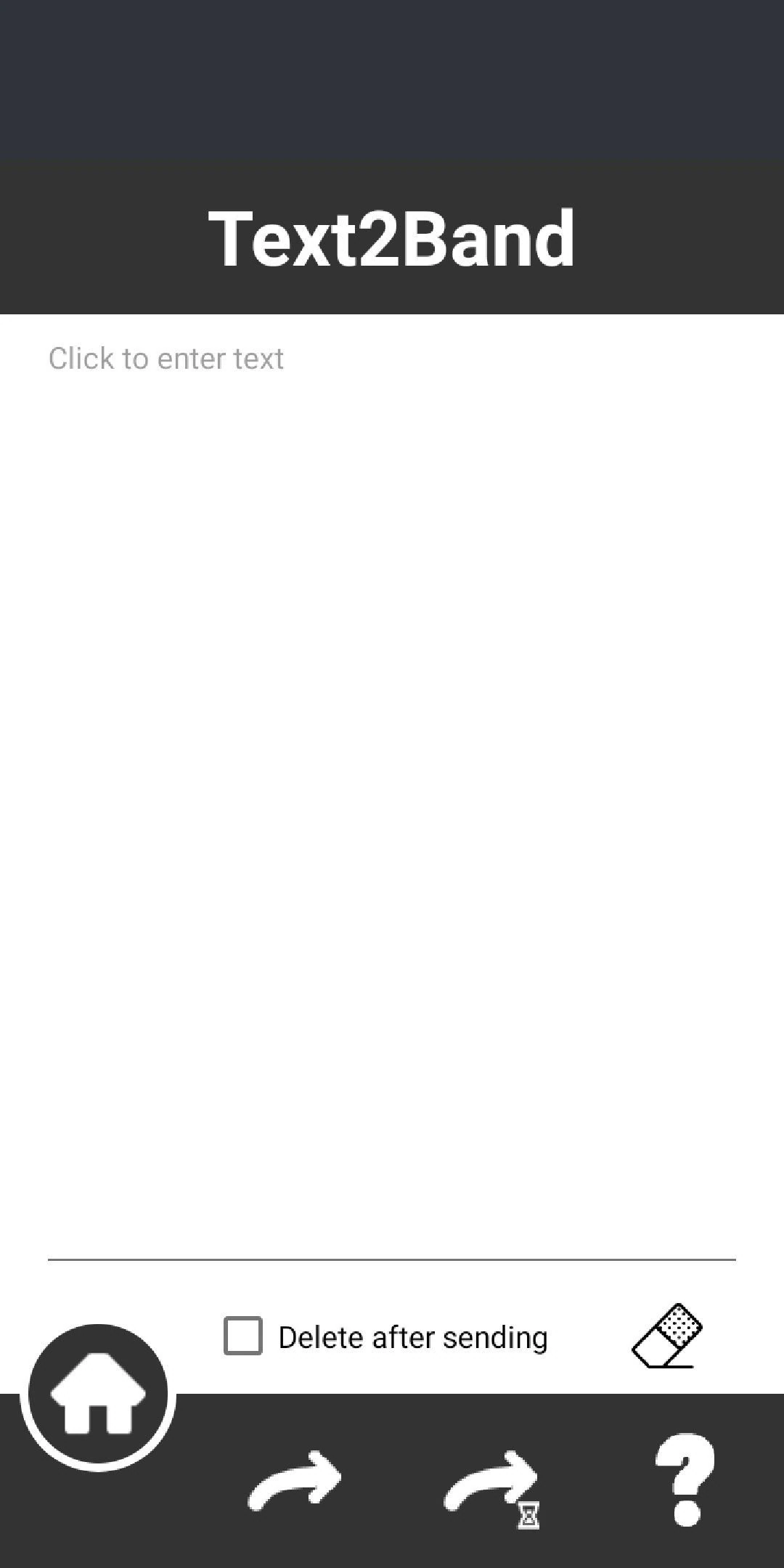
The first Text2Band from 2022: a purple title bar, a plain text field and round buttons at the bottom.
Spring 2022 The first version One text field, a Send button and a lot of grey.
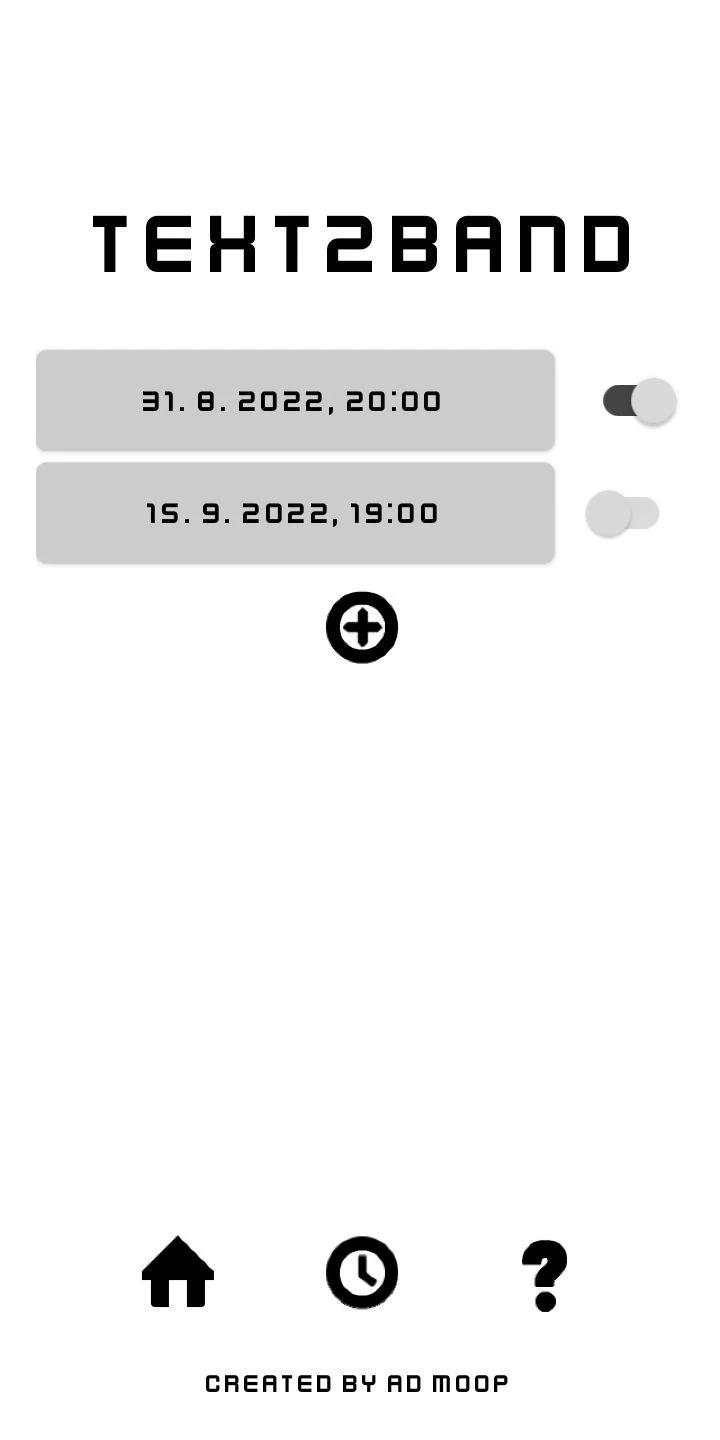
Text2Band in August 2022 with the pixel logo and two scheduled messages with on and off switches.
Summer 2022 Its own look The pixel logo, and messages planned for later.
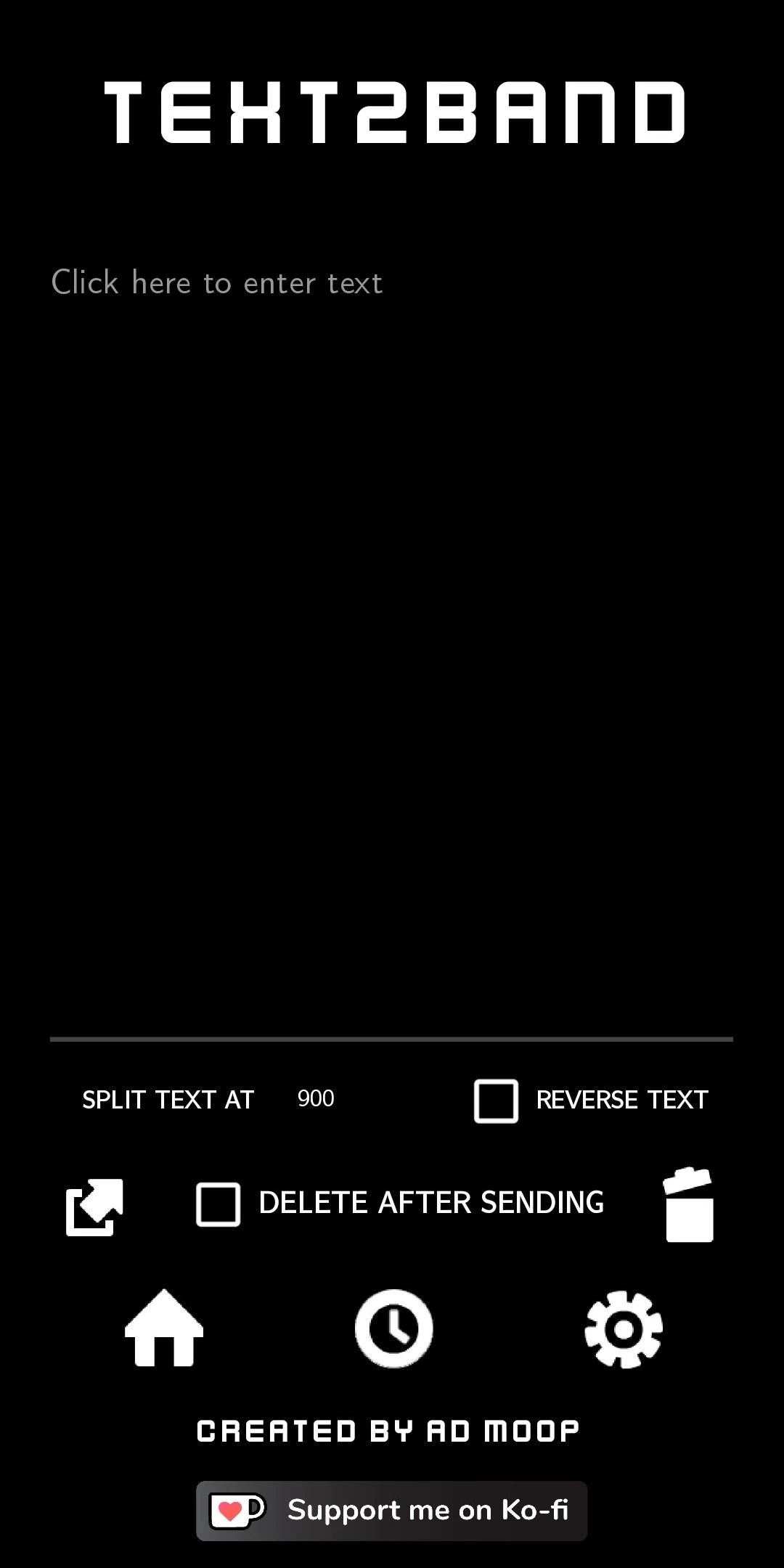
Text2Band in 2023 in the dark theme, with Split text and Delete after sending options.
2023 Dark and grown-up Themes, languages, split long texts, Android 13.
Text2Band 2.0 on the Now tab: the History, Now and Schedule tabs, an empty text field, a Send button and the bottom bar with Notification, Help and Settings.
Since 2024 Text2Band 2.0 Rebuilt with tabs and history, now on Android 16.

Excellent app, works like clockwork.

Malinovabrambora Google Play review, translated from Czech

Smaller experiments

Not every app finds its crowd.

Two games from 2022 with a few hundred downloads between them. Small, but they’re where I learned to ship an app at all.
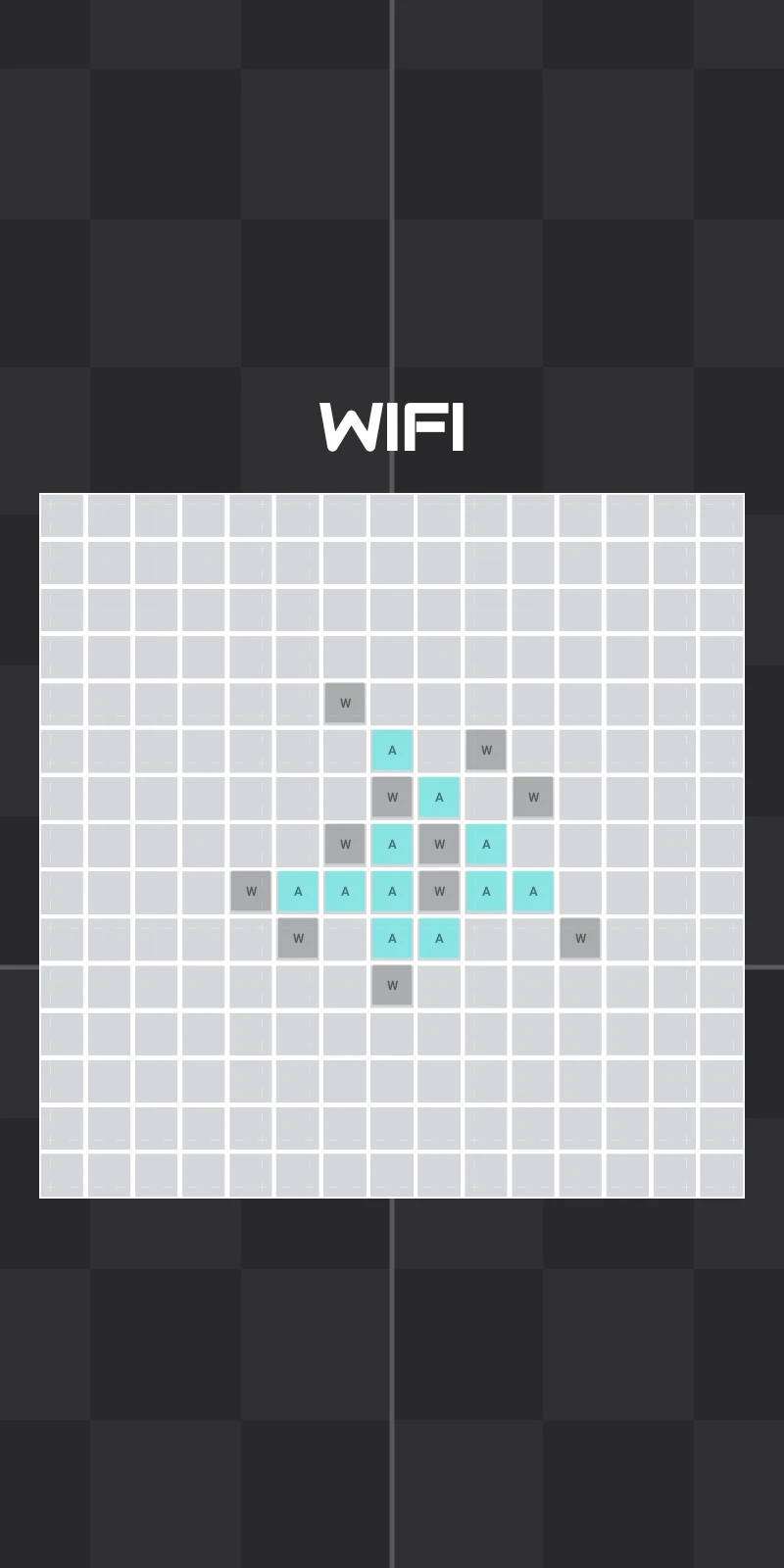
Block Tac Toe over Wi-Fi: a large grid where a winning line of cyan squares has been found.
Game · 2022 Block Tac Toe Tic-tac-toe on a big board, against the phone, a friend on the same screen or over Wi-Fi. Google Play
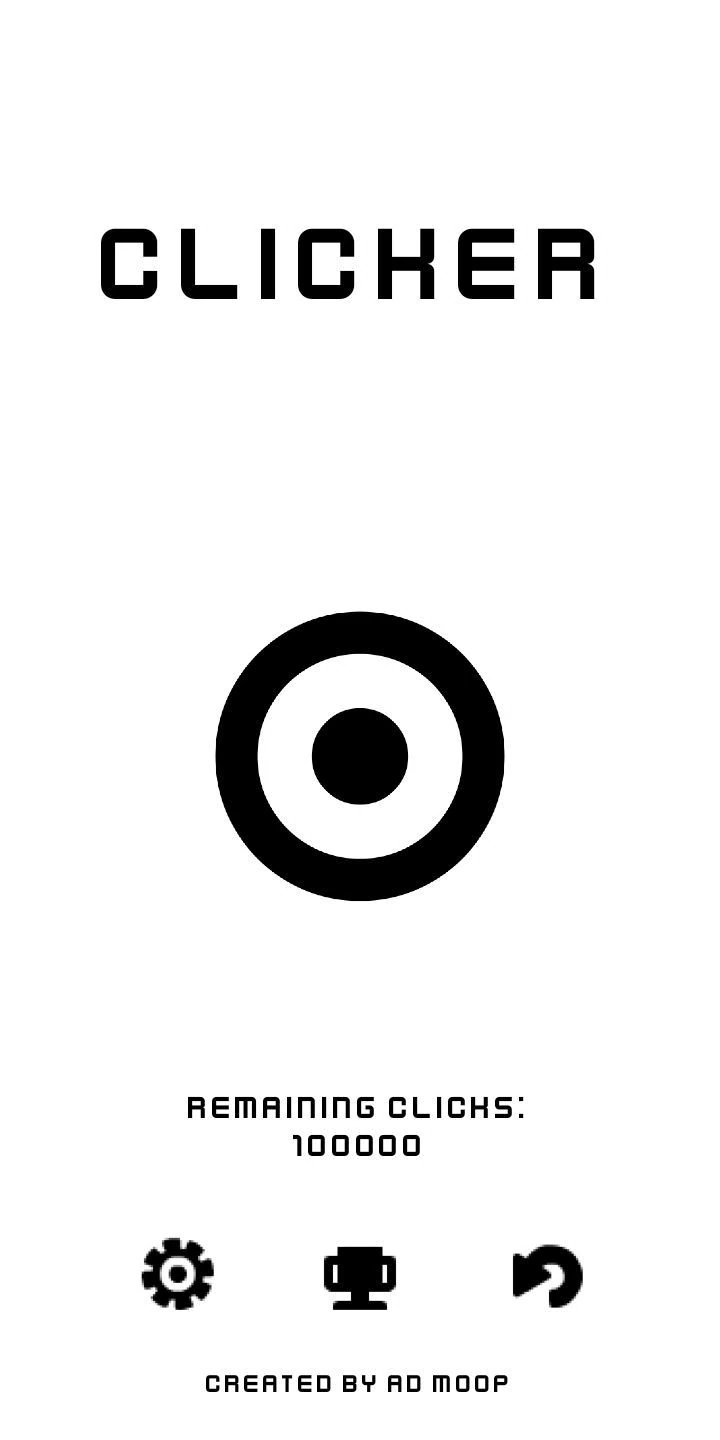
Clicker: a black and white target, 100000 remaining clicks and icons for settings, records and restart.
Game · 2022 Clicker How fast can you click 100,000 times? A reflex test with a world record table. Google Play

Free, without ads, for good.

If one of them saves you a minute, a coffee on Ko-fi keeps them updated.

Mapify · web app for schools

Thematic maps, done properly.

Mapify turns a spreadsheet into a school-ready map, with the legend, scale bar and north arrow in place and fonts at the exact size of your document.
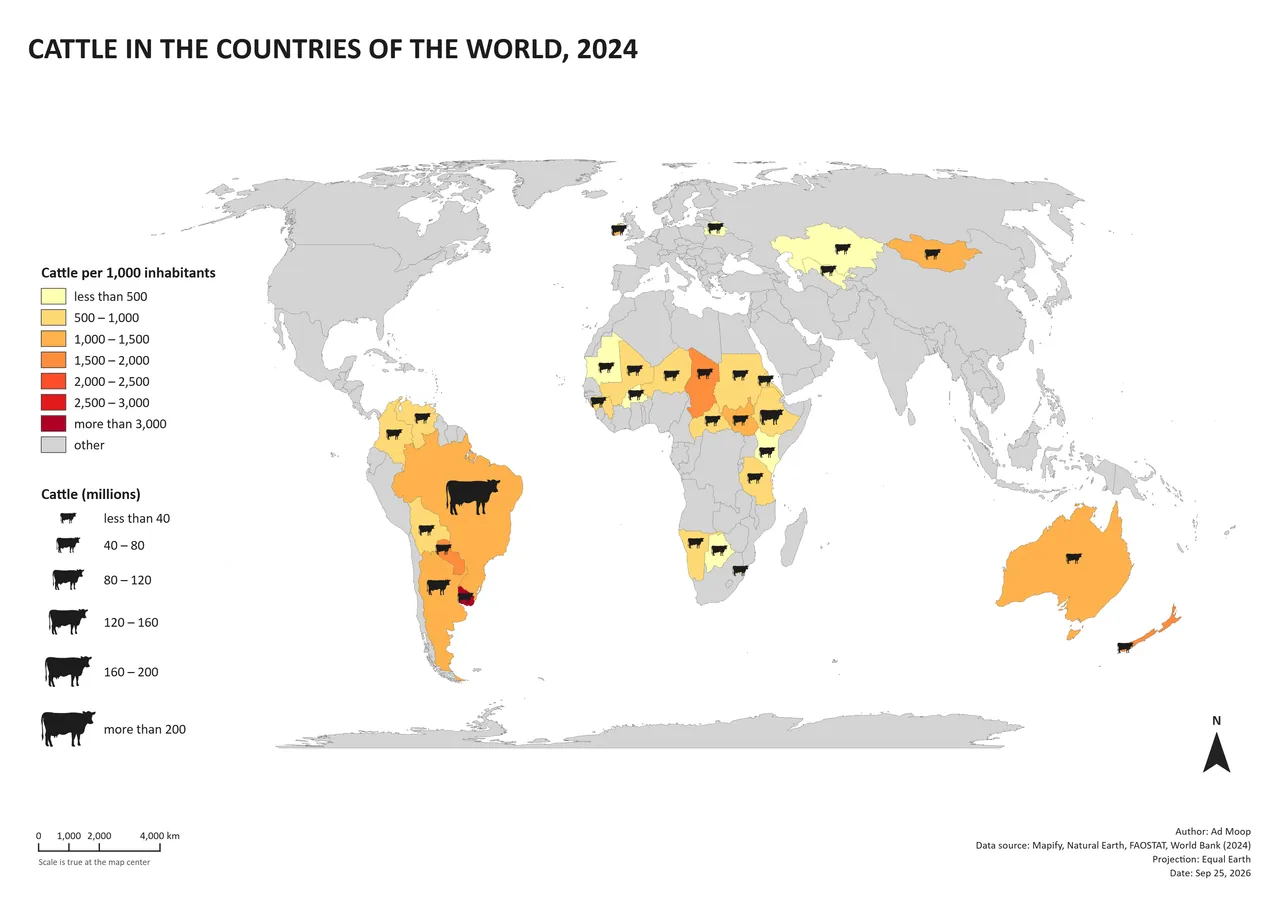
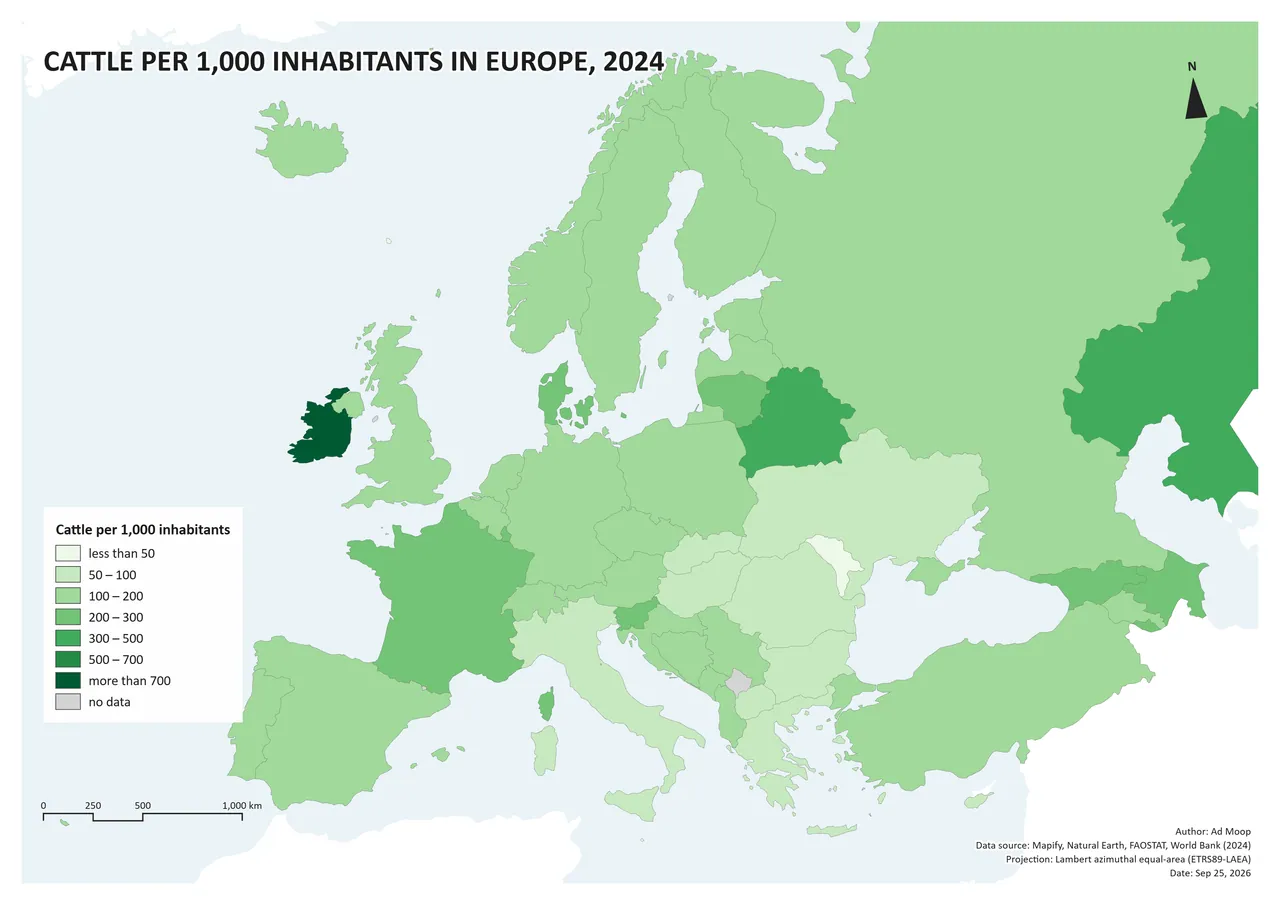
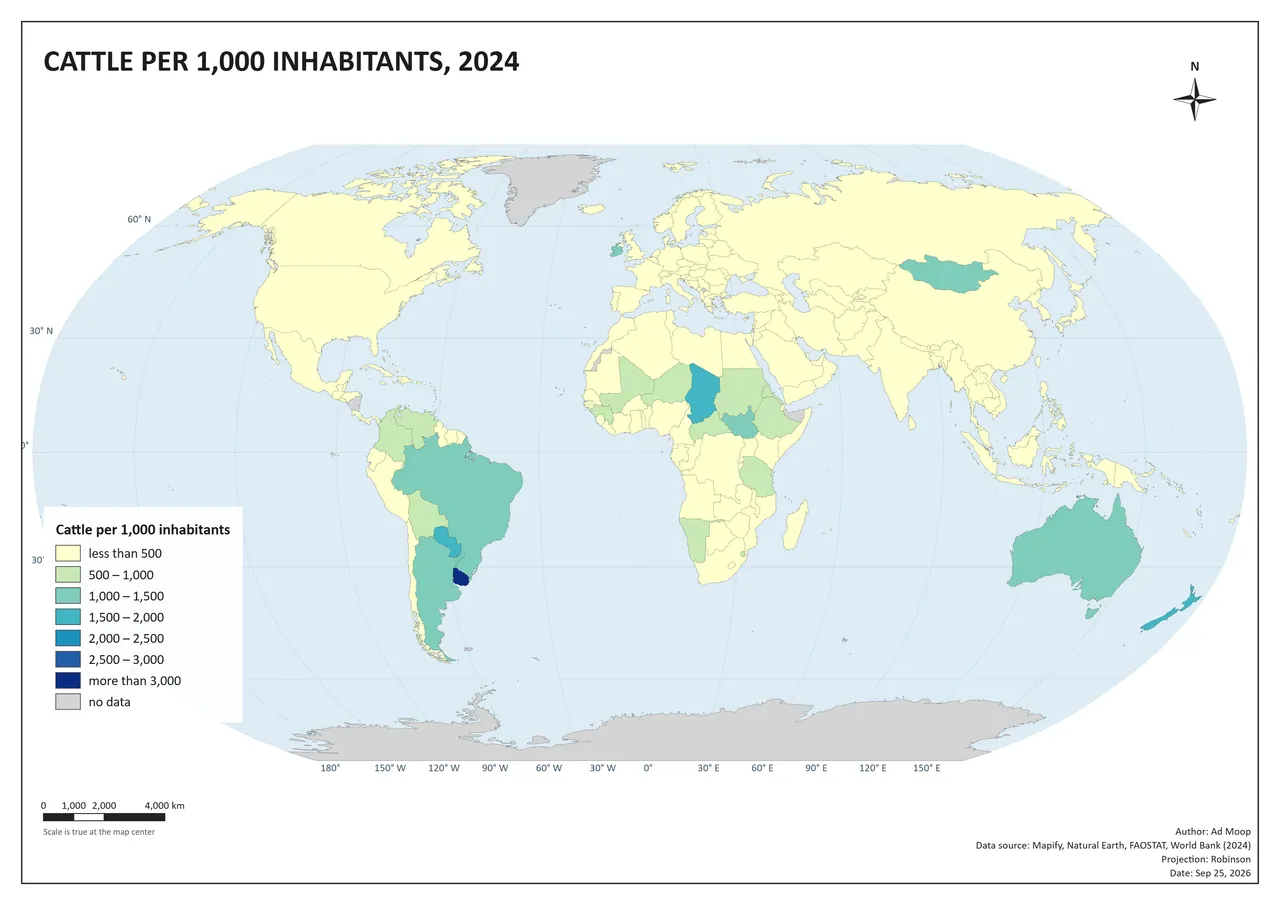
World map made in Mapify: cattle per 1,000 inhabitants in the 30 countries with the most cattle in 2024, with a cow symbol sized by herd, legend, scale bar, north arrow and credits.

13

world projections, plus regional ones fitted to the area

214

countries with their states and provinces

5

languages for the app and for the map

300

DPI export that fits your document exactly

The rubric, built in

Every map needs seven things.

Teachers check for them. Mapify does too: a chip in the top bar counts what’s still missing, so nothing gets handed in without a scale bar again.

Map elements 7 of 7

  • Title
  • Legend
  • Scale bar
  • North arrow
  • Data source
  • Author
  • Date

Inside the app

From a table to a finished sheet.

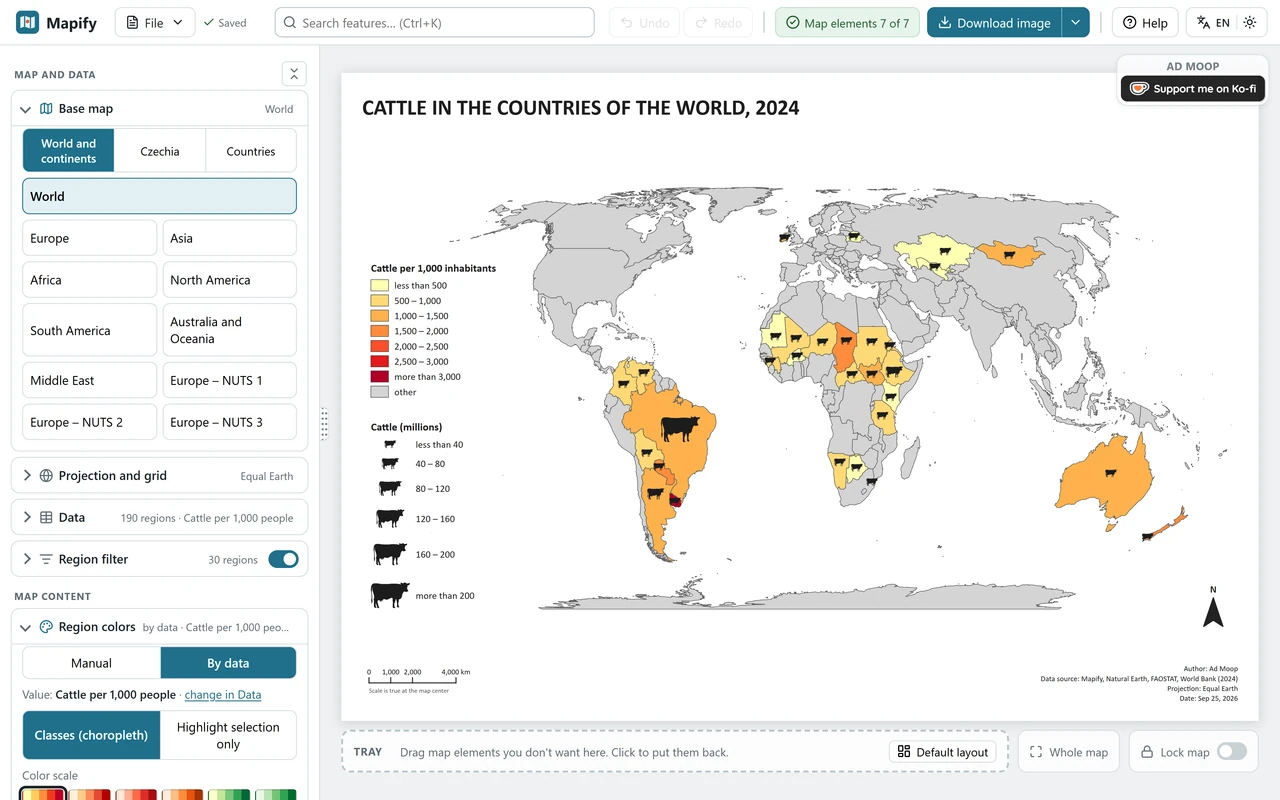
The Mapify editor: map settings on the left, an A4 sheet with the cattle map in the middle and the Map elements 7 of 7 chip in the top bar.
4 · Map elementsCounts the seven things every map needs and shows what’s still missing.
  1. Base map The world, continents, any country with its provinces, Europe by NUTS regions or Czechia down to municipalities.
  2. Your data Drop a CSV or Excel file, or paste a table. Rows match by country name in any language, ISO, M49 or NUTS codes.
  3. Legend Classes, colors and labels are made for you. Drag the legend anywhere on the sheet, or park it in the tray.
  4. Map elements Counts the seven things every map needs and shows what’s still missing.
  5. Export A 300 DPI PNG that drops into Word at the exact width, or an SVG in centimetres.

Made for the classroom

No account, no server

Everything runs in your browser. Your data never leaves the computer.

Fonts in real points

Set the width and the labels on the map match the text of your document.

EU, NATO, G20 in a click

Color whole country groups at once, or click regions by hand.

Paste from Excel

CSV, XLSX or ODS. Per capita, per km² and change over time are one click away.
Made with Mapify

Your first map in five minutes.

The guide walks you through a sample map step by step. Free, in your browser, nothing to install.

Lego · building instructions

Build it yourself, brick by brick.

Five machines from my channel, free to download. Open them on your screen, then build the real thing.
258 parts110 parts93 parts249 parts244 parts
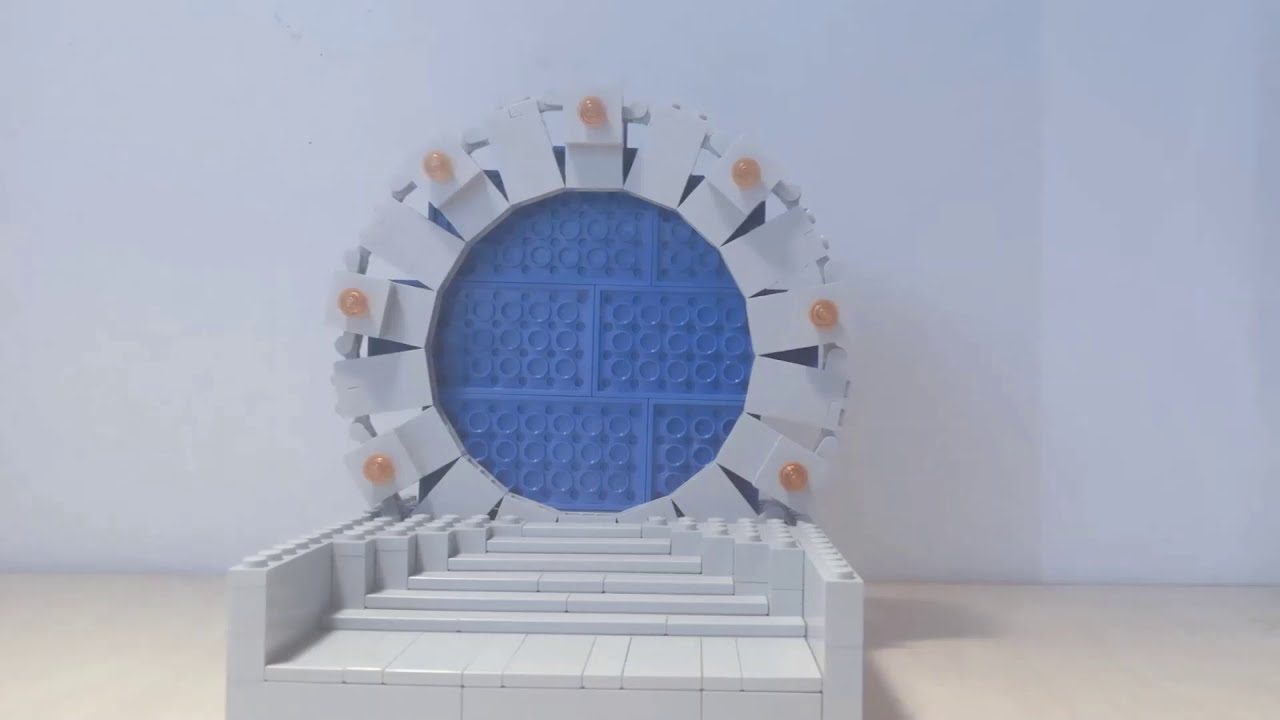
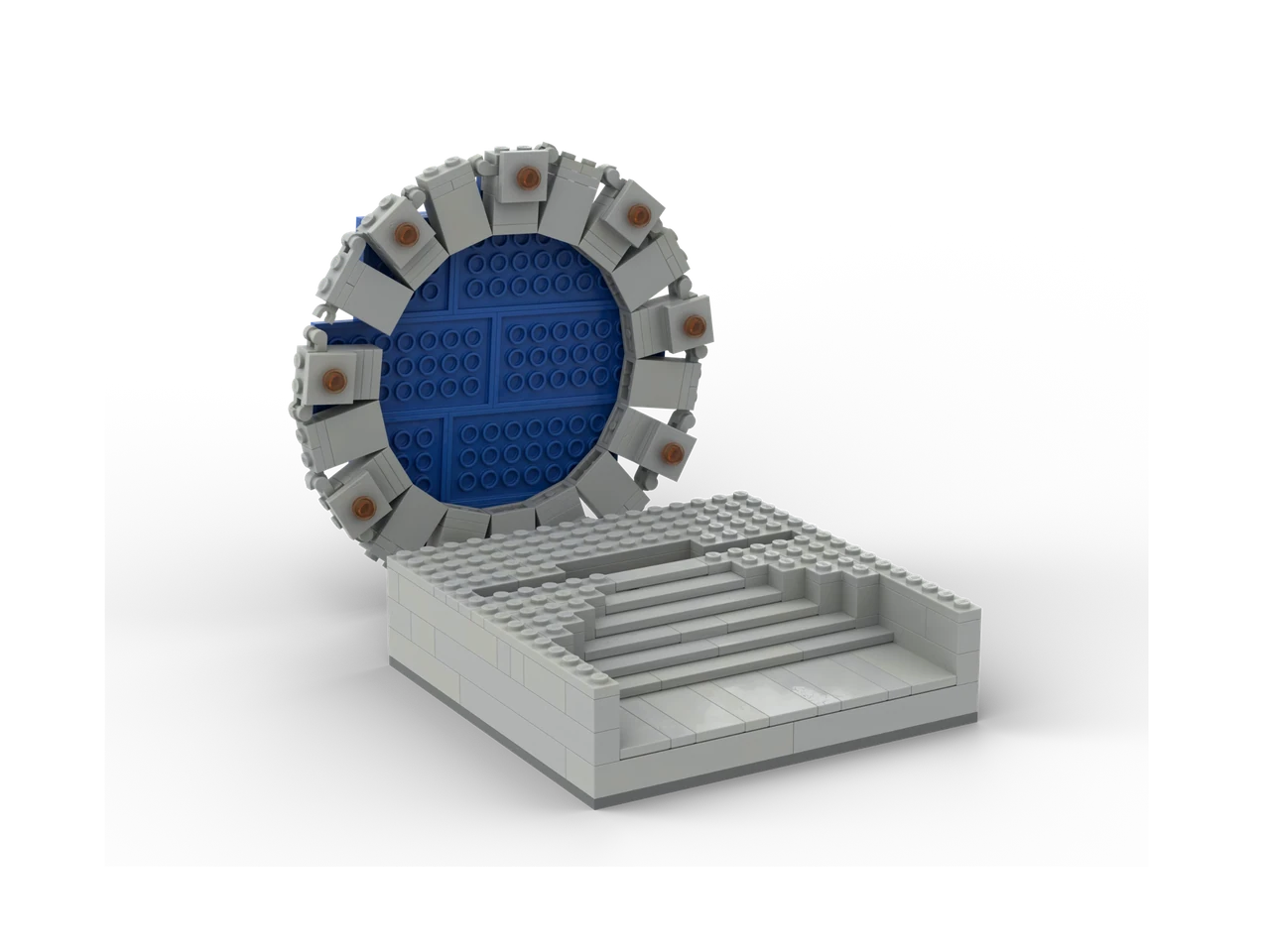
Lego Stargate on a grey base with steps, rendered in BrickLink Studio
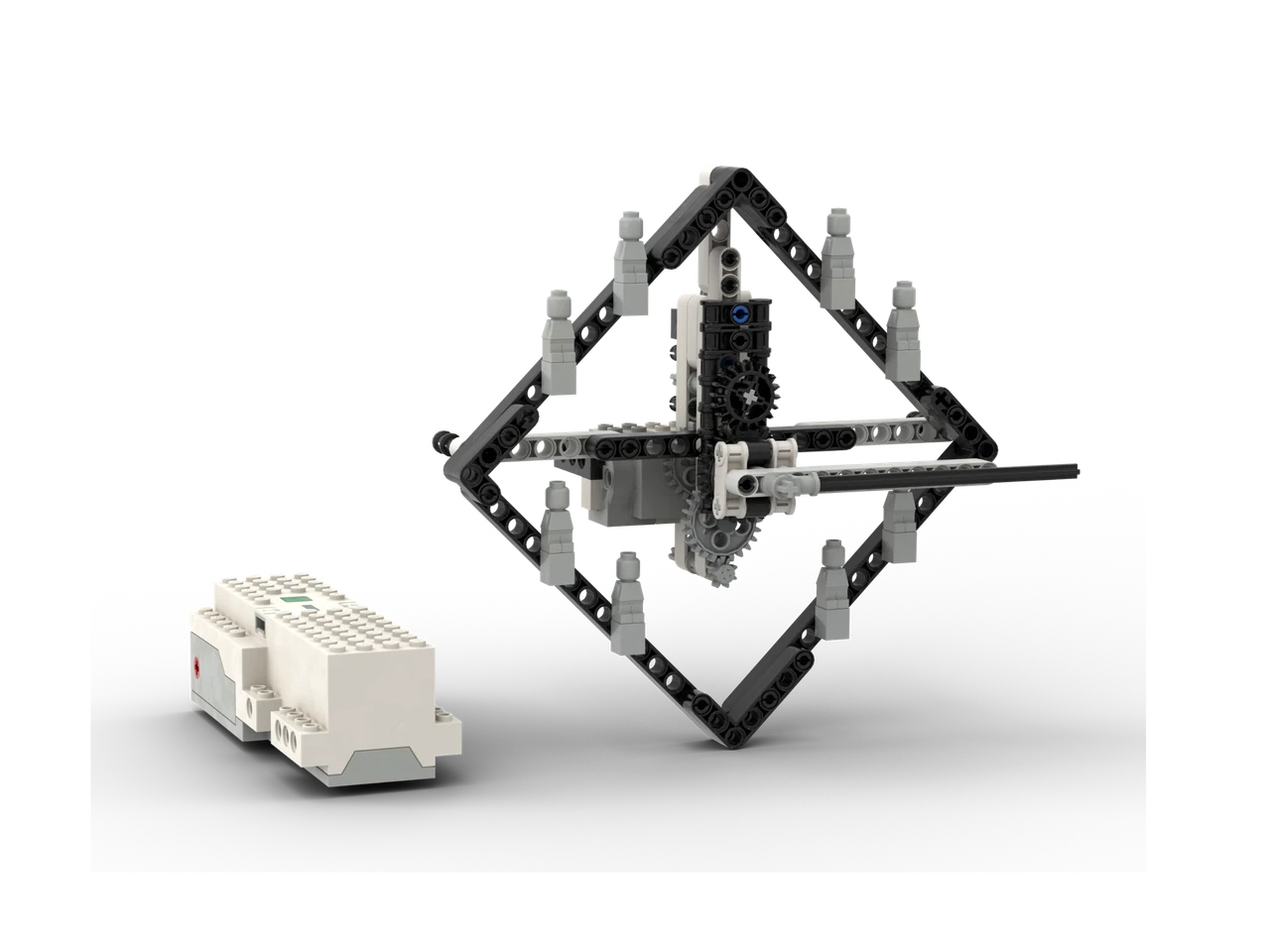
Lego Clock: a diamond frame with a gear train and a Boost hub beside it
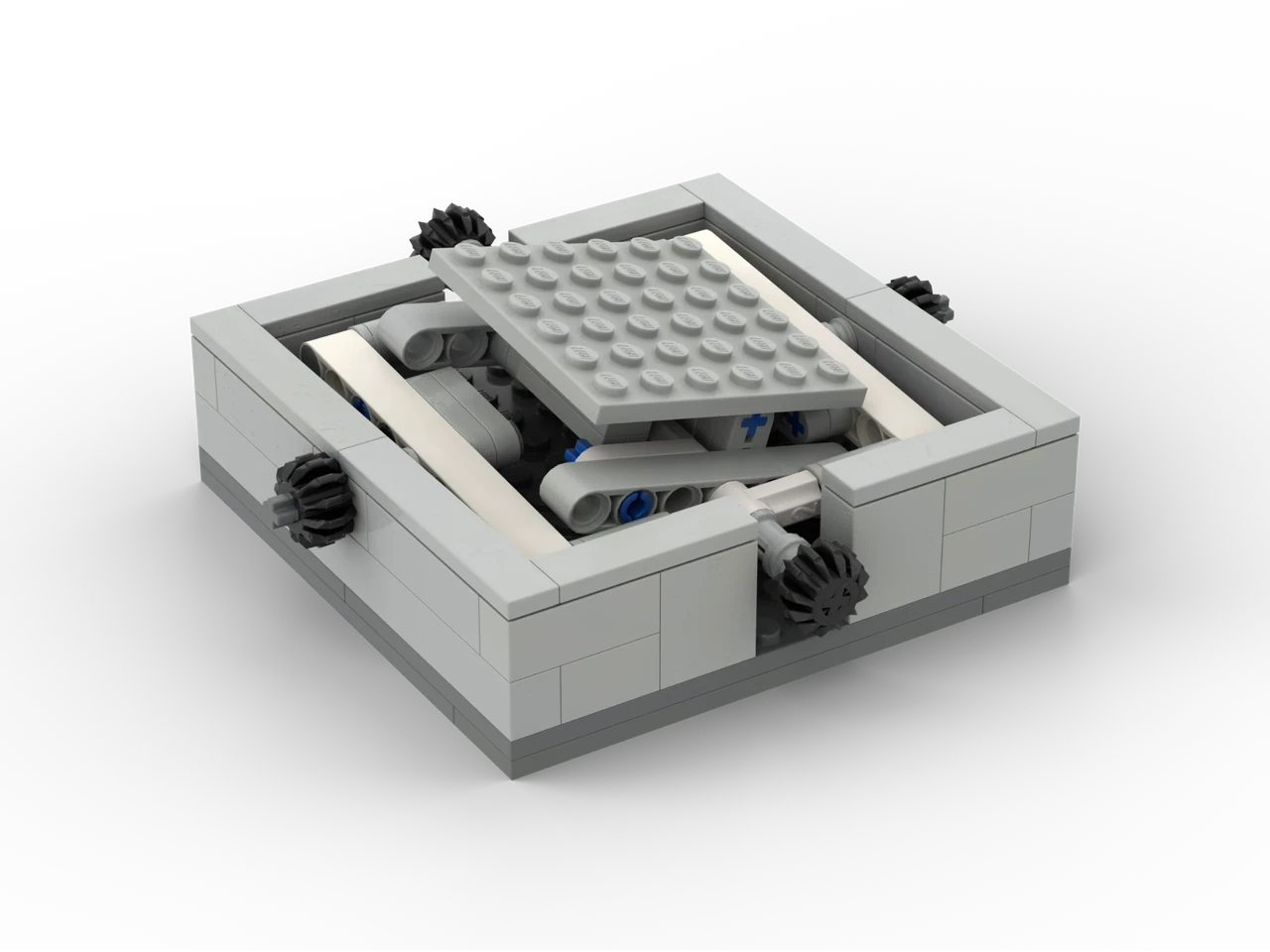
Balancing maze: a tilting plate in a grey frame with gears on each side
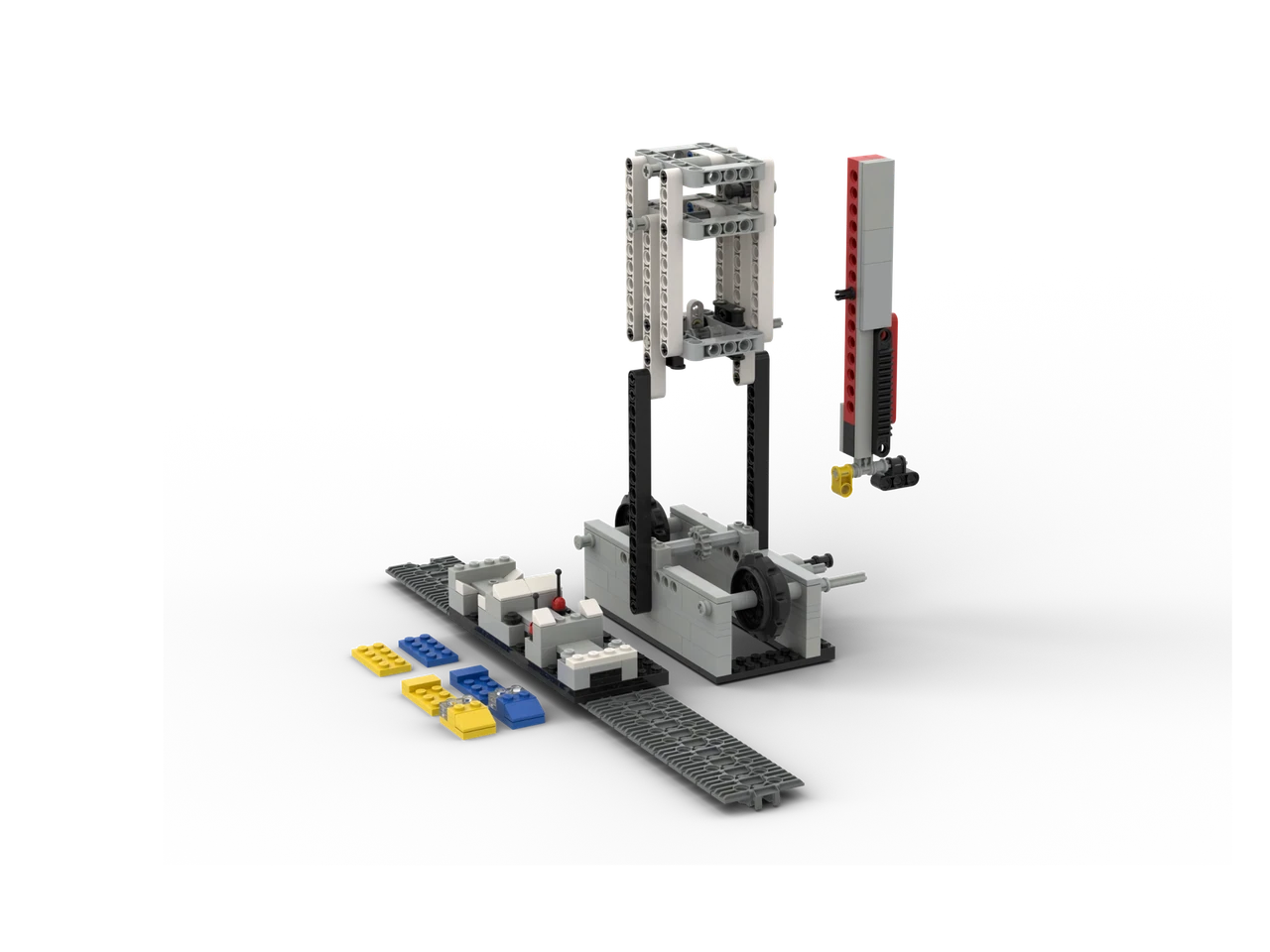
Lego car builder: a gantry with a car body on a track and colored parts waiting
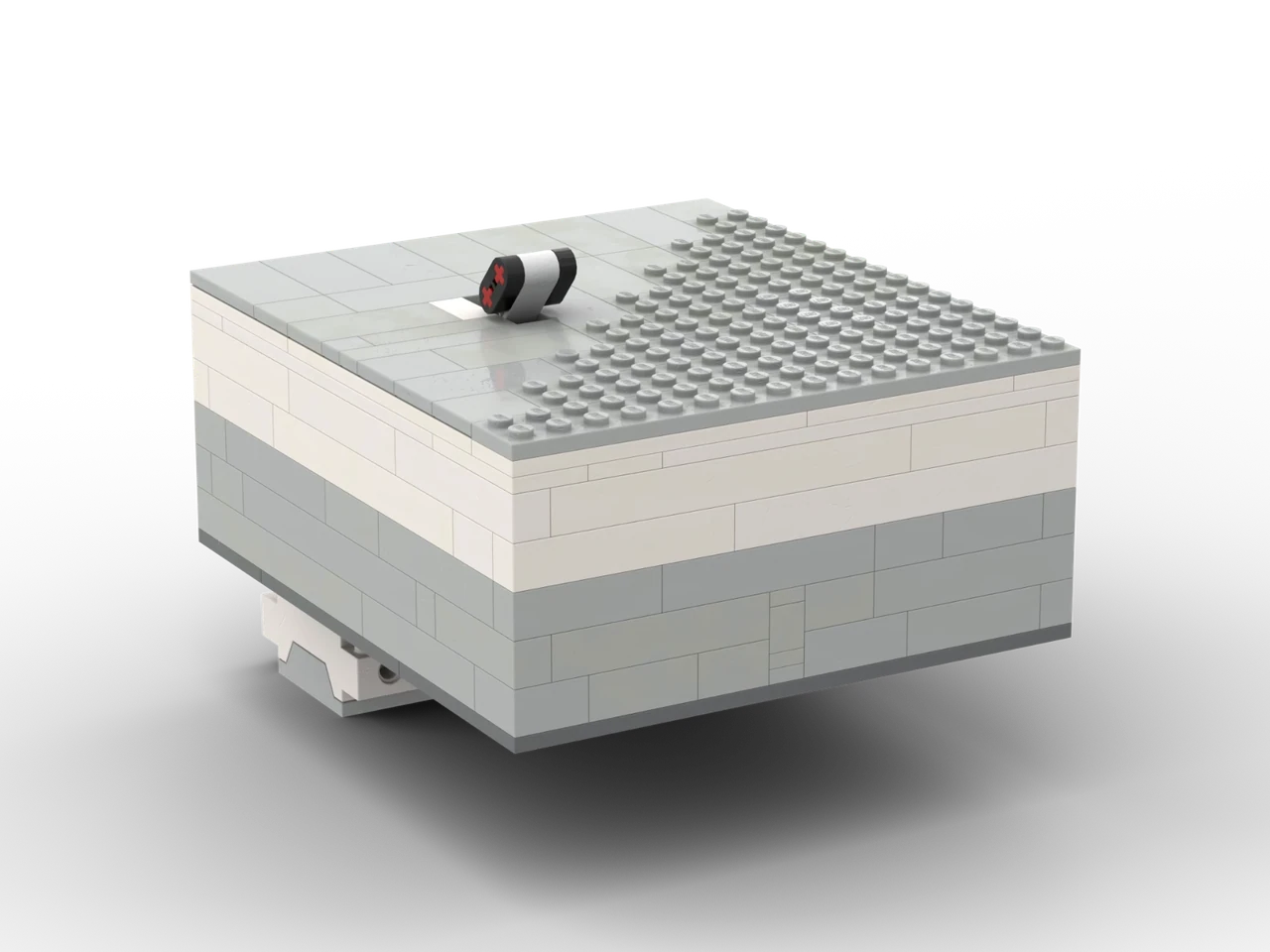
Unpowerable machine: a grey box with a switch on top
Lego StargateLego ClockBalancing mazeLego car builderUnpowerable machine 1/52/53/54/55/5

5

models, each with its build video

954

parts in total

1,100+

views of the build videos

0

euros, accounts or sign-ups

Archive

Mi Robot Builder

Xiaomi’s official manual, saved here after it left the Mi Robot Builder app.

How to open them

Three steps to the first brick.

The models are LEGO Digital Designer files. LDD is gone, but the free BrickLink Studio opens them.

  • Download BrickLink Studio
  • File → Import → LDD file (.lxf)
  • Build it on screen, or let Studio make the steps

Contact · say hi

Contact

An idea, an offer, or just a question?

Leave me a message here, or send me an email.

Open for collabs · replies in ~2 days It’s 18:40 in Prague

What is it about?

Thanks, message sent!

I'll reply as soon as possible.